Introduction
Let’s be honest—most website search bars still feel like they were built in 2005. They miss the mark, frustrate users, and rarely deliver what someone really wants. Meanwhile, users are getting used to talking to AI like ChatGPT and expect the same intelligent experience from every site they visit.
That’s where WP Engine’s Smart Search AI and the Managed Vector Database come in. As part of our ongoing innovation efforts, I built a demo chatbot to show clients how these tools could radically improve search, support, and engagement on their WordPress sites. And frankly? The results speak for themselves.
Why We Built the Chatbot Demo
Sometimes, showing is better than telling. When we launched Smart Search AI, we knew customers would get the tech—but not everyone could see how it fit into their workflow. So I created a working demo to illustrate how powerful it is when you combine semantic search, AI reasoning, and WordPress-native content into a smooth, intelligent chatbot experience.
The goal was simple: show how WP Engine customers could move beyond basic search and into real AI-powered interaction—without leaving the WordPress ecosystem.
What Makes Smart Search AI Different?
Most search engines just look for keyword matches. Smart Search AI uses natural language processing (NLP) to understand what users mean, not just what they type. That means it can return content that’s contextually relevant, even if there’s no direct keyword match.
Paired with the Managed Vector Database, which stores content in a format optimized for meaning-based retrieval, it can surface the best answers quickly—even across huge datasets.
It’s like upgrading your search from “CTRL+F” to “ChatGPT with domain knowledge.”
WordPress Meets OpenAI (and It Works)
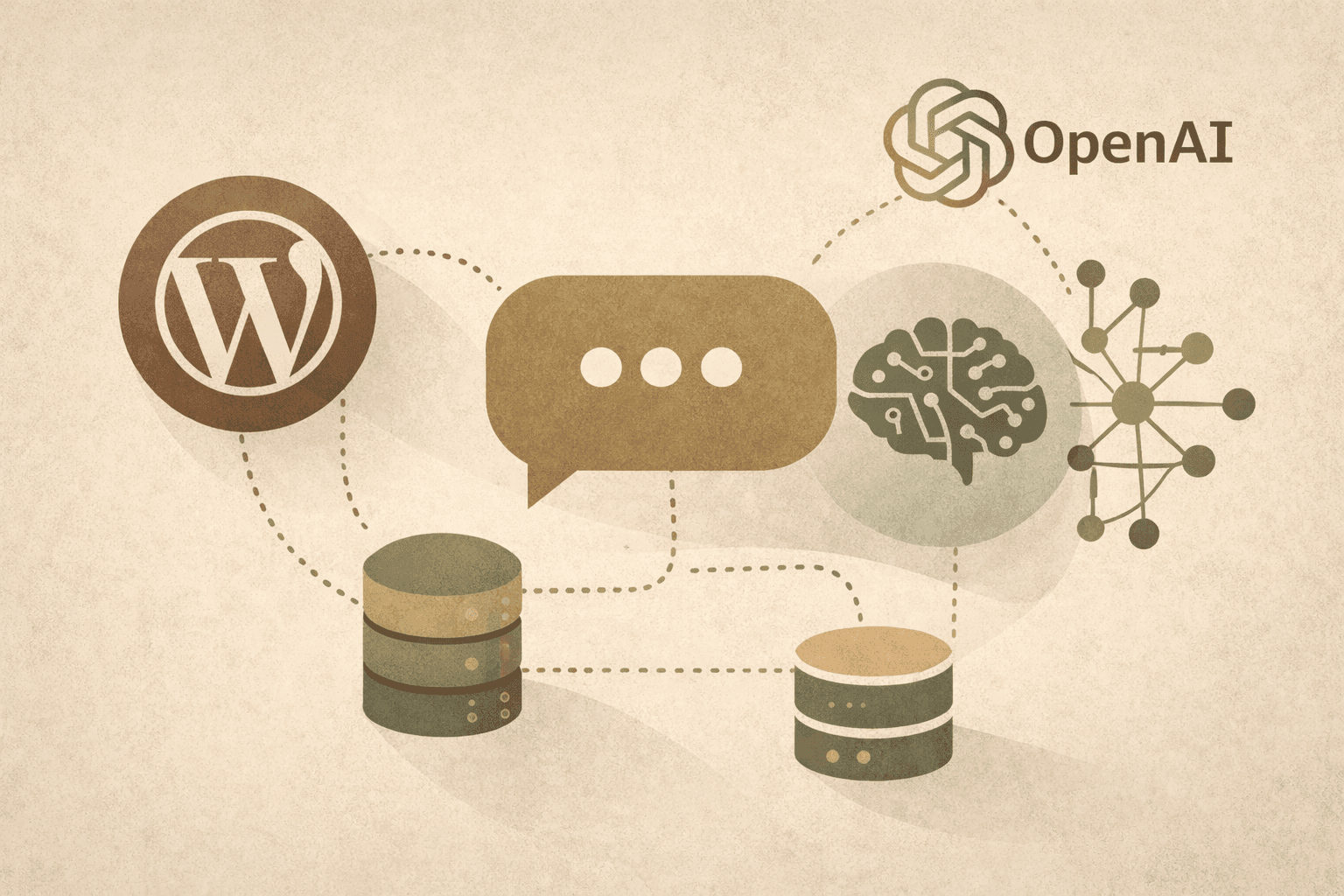
The secret sauce of this chatbot demo is in combining structured WordPress content with OpenAI’s large language models. This allows users to ask questions conversationally, and receive AI-generated responses that are both relevant and context-aware.
Here’s what it looked like:
-
A chatbot interface embedded on a WordPress site
-
Smart Search AI providing fast vector-based document retrieval
-
OpenAI generating thoughtful, helpful responses
-
All of it running on WP Engine infrastructure
It wasn’t about building something flashy—it was about making something that feels intuitive for users while reducing friction for developers and content managers.
Why This Matters for Your Site
Whether you’re running a content site, a SaaS product, or an ecommerce store, one thing is clear: users expect smarter interactions.
By integrating AI-powered search and chat experiences, you can:
-
Help users find what they’re looking for faster
-
Reduce support load with automated answers
-
Increase content engagement and time on site
-
Stay ahead of competitors stuck on legacy systems
And thanks to the Managed WordPress hosting environment from WP Engine, you don’t need to reinvent your tech stack to do it.
Don’t Miss WP Engine’s AgentKit by OpenAI
Since this demo was first created, WP Engine has released AgentKit by OpenAI—a powerful new plugin that lets you bring OpenAI agents into WordPress with minimal setup.
While my demo was a custom build, AgentKit is the official solution for launching intelligent assistants on your site—backed by WP Engine and built to scale. If you’re curious about how conversational AI could fit into your user journey, AgentKit is the fastest way to test, build, and launch.
Conclusion
AI is no longer experimental. It’s here, it’s ready, and it can deliver real value when applied thoughtfully—especially in the context of search and content discovery.
Smart Search AI, vector databases, and conversational interfaces like AgentKit aren’t just “nice to have” features anymore—they’re the new standard for modern websites. Whether you’re ready to build something custom or want to start with WP Engine’s native tools, now’s the time to take the leap.
Because your users? They’re already expecting it.
FAQs
What is Smart Search AI, in simple terms?
It’s an advanced search system that understands meaning, not just keywords—delivering more relevant results and better UX.
How does a vector database help with search?
Vector databases store content in a way that allows AI to find semantically similar answers—even if the wording doesn’t match exactly.
What’s AgentKit, and how is it different from a chatbot demo?
AgentKit is WP Engine’s official plugin that integrates OpenAI agents into WordPress sites, offering out-of-the-box tools for chat and content search.
Do I need coding skills to use this tech?
Not with AgentKit. It’s designed for WordPress users of all skill levels, while custom demos like mine are more developer-focused.
Why does this matter for SEO or conversions?
AI-powered search improves engagement, dwell time, and relevance—all of which impact SEO and user satisfaction, especially on content-heavy sites.